

Features
Keep reading while the next chapter gets ready
AutoTL Next handles the next chapter from the reader, interrupted work can be continued, and finished chapters can leave the app as one EPUB.
AutoTL Next
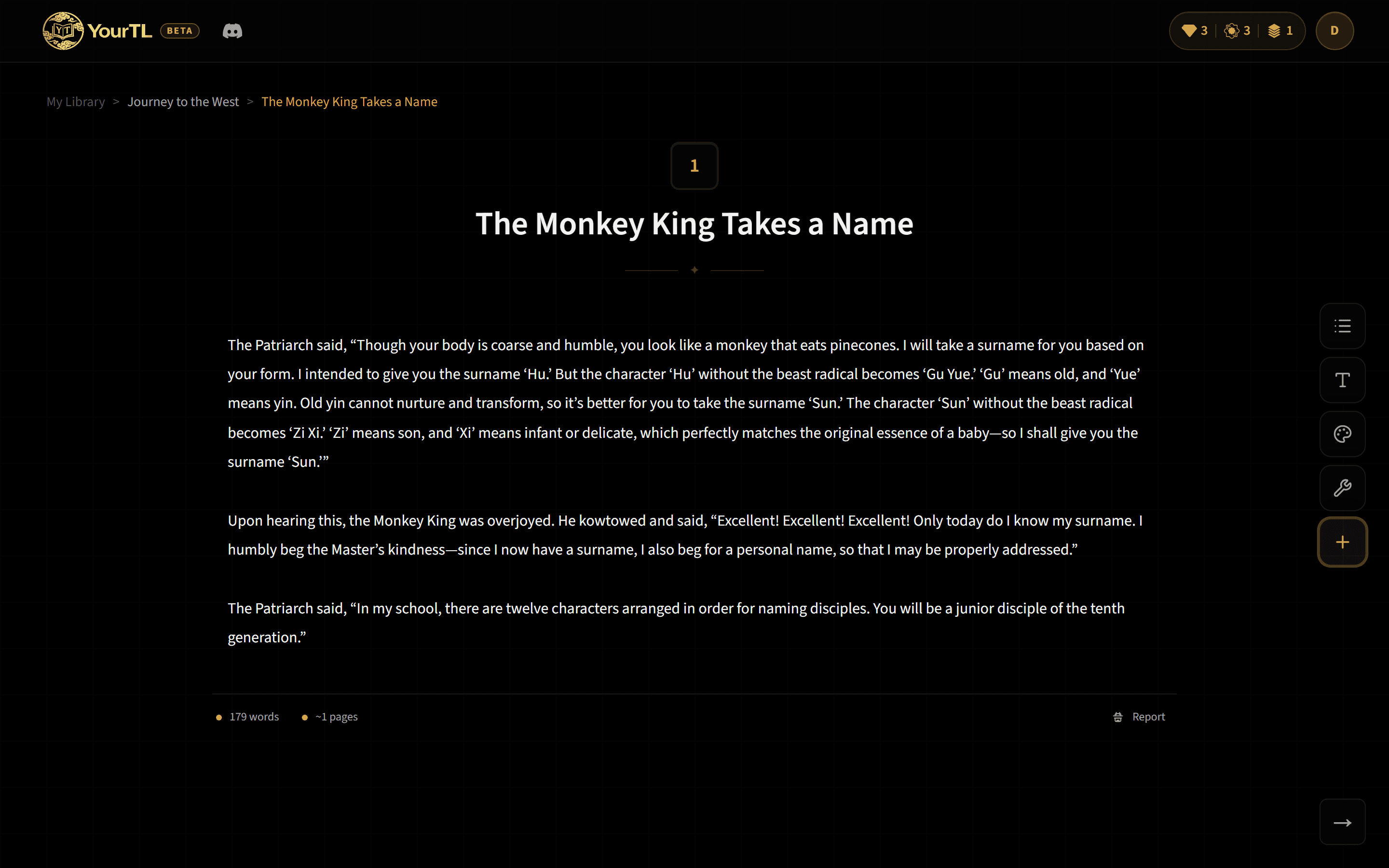
AutoTL Next starts the next available chapter and works on it in the background in the current tab. It uses the project's current translation settings and loads the project glossary before translating the new chapter.
What AutoTL Next costs
Starting AutoTL Next on a new chapter uses one Action credit, plus the translation itself, per your plan.
On the Free tier, each Standard translation counts toward your allowance: 20 lifetime, or the daily Discord community allowance. Paid plans include Standard translations without per-chapter metering.
Continue an interrupted translation
If a translation stops after partial text has been saved, the reader can show Continue Translation. Continuing sends the original chapter, saved partial translation, and progress back through the translation flow rather than starting from an empty result.
Export chapters as EPUB
1. Choose translated chapters
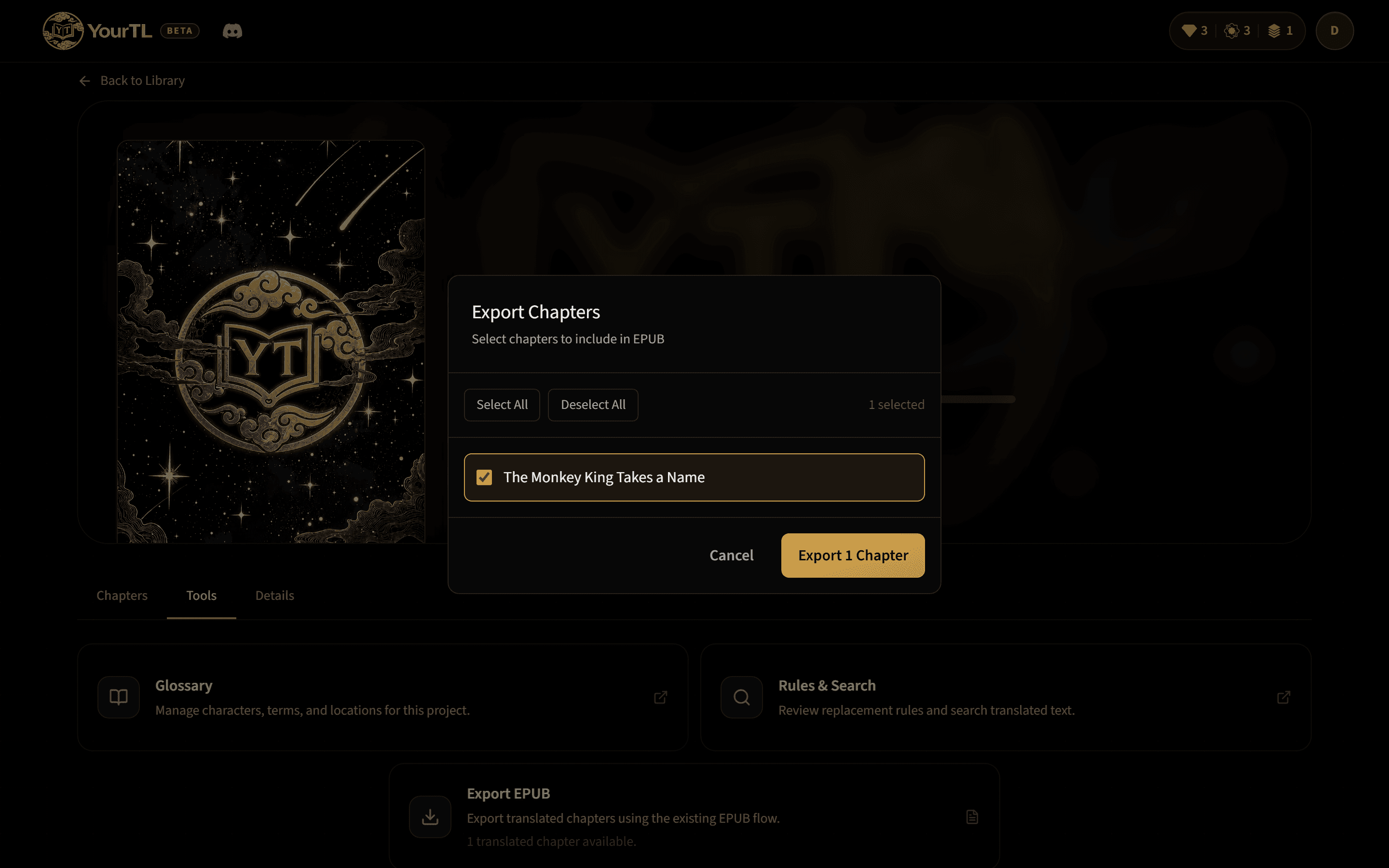
From the project, select a single translated chapter or several translated chapters that you want in the ebook.
2. Start the export
The selected chapters are assembled into one EPUB file. An export can contain one chapter or multiple chapters.
3. Confirm the Service credit
A successful EPUB export uses one Service credit, regardless of how many selected chapters are included.
Credit types at a glance
- Enhanced
- Used for Enhanced-mode chapter translations.
- Action
- Starting AutoTL Next on a new chapter uses one Action credit, plus the translation itself, per your plan; Deep Check also uses Action credits.
- Service
- Used when an EPUB export succeeds.